 DU Meter
How to uninstall DU Meter from your PC
You can find below details on how to remove DU Meter for Windows. It is developed by Hagel Technologies Ltd.. Take a look here for more information on Hagel Technologies Ltd.. More information about the application DU Meter can be seen at https://www.hageltech.com/dumeter/about. The application is often located in the C:\Program Files (x86)\DU Meter folder (same installation drive as Windows). You can uninstall DU Meter by clicking on the Start menu of Windows and pasting the command line C:\Program Files (x86)\DU Meter\unins000.exe. Keep in mind that you might get a notification for admin rights. DUMeter.exe is the DU Meter's main executable file and it occupies about 24.80 MB (26002856 bytes) on disk.The following executable files are incorporated in DU Meter. They occupy 42.32 MB (44379104 bytes) on disk.
- DUMeter.exe (24.80 MB)
- DUMeterSvc.exe (16.29 MB)
- Patch.exe (94.00 KB)
- unins000.exe (1.14 MB)
This web page is about DU Meter version 8.10 alone. You can find here a few links to other DU Meter releases:
- 6.01
- 8.01
- 5.20
- 5.04
- 7.24
- 6.03
- 6.20
- 7.30
- 7.11
- 7.08
- 6.40
- 7.07
- 5.02
- 7.22
- 7.15
- 8.05
- 7.06
- 7.09
- 6.05
- 7.04
- 6.02
- 5.013220
- 7.20
- 5.25
- 4.163102
- 5.26
- 6.30
- 5.013219
- 5.30
- 8.01.4827.0
Following the uninstall process, the application leaves some files behind on the computer. Some of these are listed below.
Directories that were left behind:
- C:\Program Files (x86)\DU Meter
The files below were left behind on your disk when you remove DU Meter:
- C:\Program Files (x86)\DU Meter\DUHelper.dll
- C:\Program Files (x86)\DU Meter\DUMeter.en.chm
- C:\Program Files (x86)\DU Meter\DUMeter.exe
- C:\Program Files (x86)\DU Meter\DUMeterSvc.exe
- C:\Program Files (x86)\DU Meter\DUMetr64.sys
- C:\Program Files (x86)\DU Meter\DuMonitor32.dll
- C:\Program Files (x86)\DU Meter\DuMonitor64.dll
- C:\Program Files (x86)\DU Meter\email_template.de.html
- C:\Program Files (x86)\DU Meter\email_template.de.txt
- C:\Program Files (x86)\DU Meter\email_template.en.html
- C:\Program Files (x86)\DU Meter\email_template.en.txt
- C:\Program Files (x86)\DU Meter\email_template.es.html
- C:\Program Files (x86)\DU Meter\email_template.es.txt
- C:\Program Files (x86)\DU Meter\email_template.fr.html
- C:\Program Files (x86)\DU Meter\email_template.fr.txt
- C:\Program Files (x86)\DU Meter\email_template.hu.html
- C:\Program Files (x86)\DU Meter\email_template.hu.txt
- C:\Program Files (x86)\DU Meter\email_template.it.html
- C:\Program Files (x86)\DU Meter\email_template.it.txt
- C:\Program Files (x86)\DU Meter\email_template.nl.html
- C:\Program Files (x86)\DU Meter\email_template.nl.txt
- C:\Program Files (x86)\DU Meter\email_template.pl.html
- C:\Program Files (x86)\DU Meter\email_template.pl.txt
- C:\Program Files (x86)\DU Meter\email_template.ru.html
- C:\Program Files (x86)\DU Meter\email_template.ru.txt
- C:\Program Files (x86)\DU Meter\email_template.zh_CN.html
- C:\Program Files (x86)\DU Meter\email_template.zh_CN.txt
- C:\Program Files (x86)\DU Meter\libeay32.dll
- C:\Program Files (x86)\DU Meter\license.en.rtf
- C:\Program Files (x86)\DU Meter\Locale\de\LC_MESSAGES\common.mo
- C:\Program Files (x86)\DU Meter\Locale\de\LC_MESSAGES\default.mo
- C:\Program Files (x86)\DU Meter\Locale\de\LC_MESSAGES\delphi.mo
- C:\Program Files (x86)\DU Meter\Locale\de\LC_MESSAGES\import.mo
- C:\Program Files (x86)\DU Meter\Locale\es\LC_MESSAGES\common.mo
- C:\Program Files (x86)\DU Meter\Locale\es\LC_MESSAGES\default.mo
- C:\Program Files (x86)\DU Meter\Locale\es\LC_MESSAGES\delphi.mo
- C:\Program Files (x86)\DU Meter\Locale\es\LC_MESSAGES\import.mo
- C:\Program Files (x86)\DU Meter\Locale\fr\LC_MESSAGES\common.mo
- C:\Program Files (x86)\DU Meter\Locale\fr\LC_MESSAGES\default.mo
- C:\Program Files (x86)\DU Meter\Locale\fr\LC_MESSAGES\delphi.mo
- C:\Program Files (x86)\DU Meter\Locale\fr\LC_MESSAGES\import.mo
- C:\Program Files (x86)\DU Meter\Locale\hu\LC_MESSAGES\common.mo
- C:\Program Files (x86)\DU Meter\Locale\hu\LC_MESSAGES\default.mo
- C:\Program Files (x86)\DU Meter\Locale\hu\LC_MESSAGES\delphi.mo
- C:\Program Files (x86)\DU Meter\Locale\hu\LC_MESSAGES\import.mo
- C:\Program Files (x86)\DU Meter\Locale\it\LC_MESSAGES\common.mo
- C:\Program Files (x86)\DU Meter\Locale\it\LC_MESSAGES\default.mo
- C:\Program Files (x86)\DU Meter\Locale\it\LC_MESSAGES\delphi.mo
- C:\Program Files (x86)\DU Meter\Locale\it\LC_MESSAGES\import.mo
- C:\Program Files (x86)\DU Meter\Locale\nl\LC_MESSAGES\common.mo
- C:\Program Files (x86)\DU Meter\Locale\nl\LC_MESSAGES\default.mo
- C:\Program Files (x86)\DU Meter\Locale\nl\LC_MESSAGES\delphi.mo
- C:\Program Files (x86)\DU Meter\Locale\nl\LC_MESSAGES\import.mo
- C:\Program Files (x86)\DU Meter\Locale\pl\LC_MESSAGES\common.mo
- C:\Program Files (x86)\DU Meter\Locale\pl\LC_MESSAGES\default.mo
- C:\Program Files (x86)\DU Meter\Locale\pl\LC_MESSAGES\delphi.mo
- C:\Program Files (x86)\DU Meter\Locale\pl\LC_MESSAGES\import.mo
- C:\Program Files (x86)\DU Meter\Locale\ru\LC_MESSAGES\common.mo
- C:\Program Files (x86)\DU Meter\Locale\ru\LC_MESSAGES\default.mo
- C:\Program Files (x86)\DU Meter\Locale\ru\LC_MESSAGES\delphi.mo
- C:\Program Files (x86)\DU Meter\Locale\ru\LC_MESSAGES\import.mo
- C:\Program Files (x86)\DU Meter\Locale\zh_CN\LC_MESSAGES\common.mo
- C:\Program Files (x86)\DU Meter\Locale\zh_CN\LC_MESSAGES\default.mo
- C:\Program Files (x86)\DU Meter\Locale\zh_CN\LC_MESSAGES\delphi.mo
- C:\Program Files (x86)\DU Meter\Locale\zh_CN\LC_MESSAGES\import.mo
- C:\Program Files (x86)\DU Meter\Notify.wav
- C:\Program Files (x86)\DU Meter\SQLite3.dll
- C:\Program Files (x86)\DU Meter\ssleay32.dll
- C:\Program Files (x86)\DU Meter\Tick.wav
- C:\Program Files (x86)\DU Meter\unins000.dat
- C:\Program Files (x86)\DU Meter\unins000.exe
- C:\Program Files (x86)\DU Meter\unins000.msg
- C:\Program Files (x86)\DU Meter\Warning.wav
Use regedit.exe to manually remove from the Windows Registry the keys below:
- HKEY_CURRENT_USER\Software\Hagel\DU Meter
- HKEY_LOCAL_MACHINE\Software\Hagel\DU Meter
- HKEY_LOCAL_MACHINE\Software\Microsoft\Windows\CurrentVersion\Uninstall\DUMeter3_is1
How to delete DU Meter from your PC using Advanced Uninstaller PRO
DU Meter is a program offered by the software company Hagel Technologies Ltd.. Some computer users want to erase it. This can be easier said than done because doing this by hand takes some experience related to Windows internal functioning. The best SIMPLE approach to erase DU Meter is to use Advanced Uninstaller PRO. Here are some detailed instructions about how to do this:1. If you don't have Advanced Uninstaller PRO on your Windows PC, install it. This is a good step because Advanced Uninstaller PRO is the best uninstaller and general utility to optimize your Windows computer.
DOWNLOAD NOW
- visit Download Link
- download the program by pressing the DOWNLOAD button
- set up Advanced Uninstaller PRO
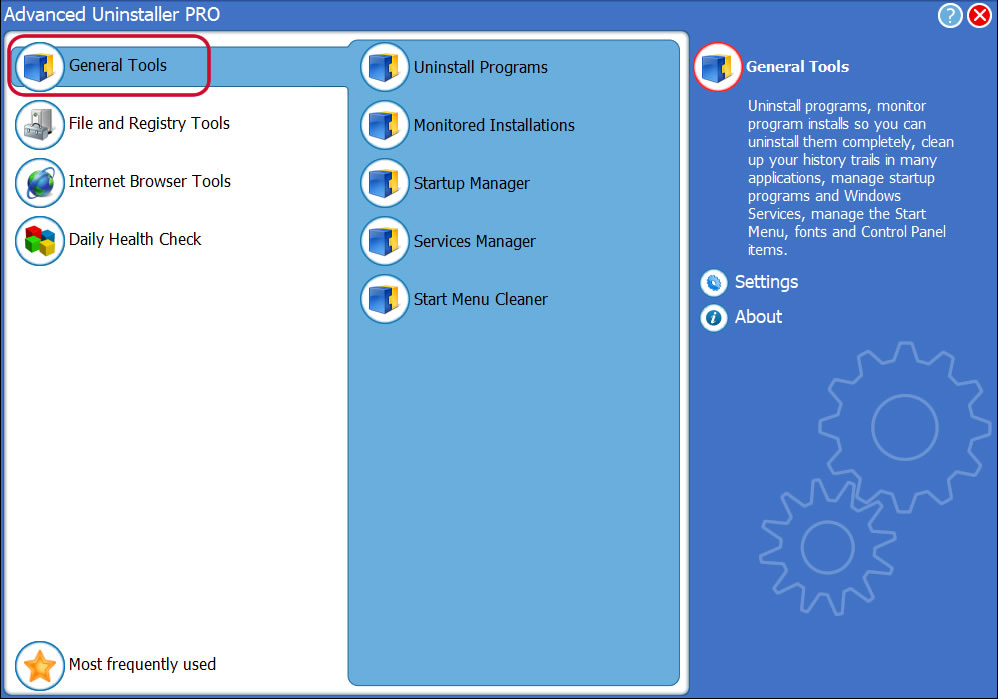
3. Press the General Tools button
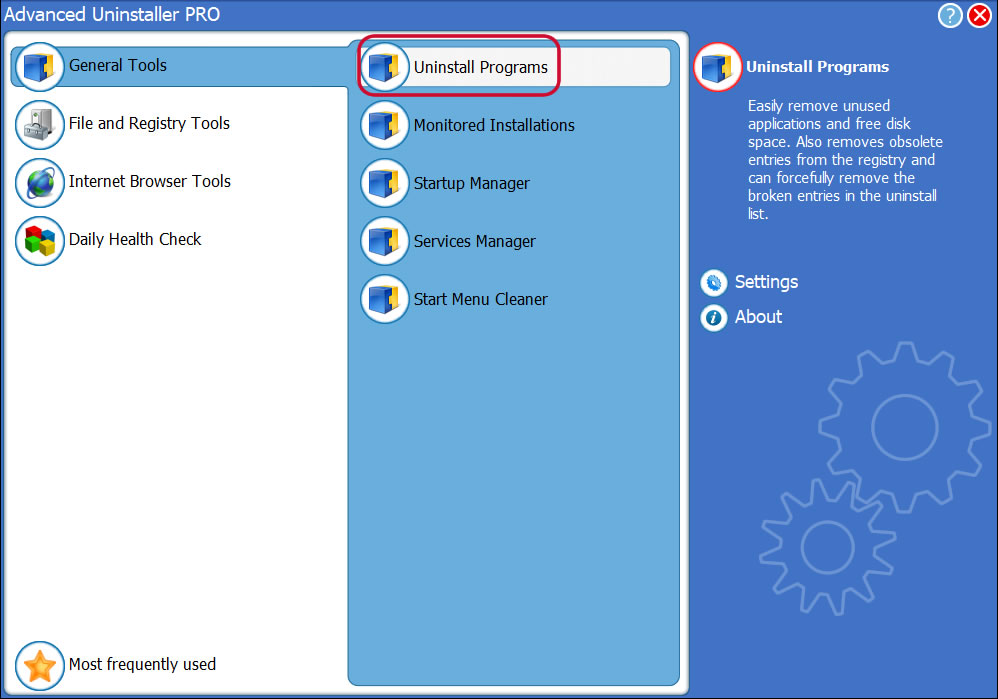
4. Activate the Uninstall Programs tool
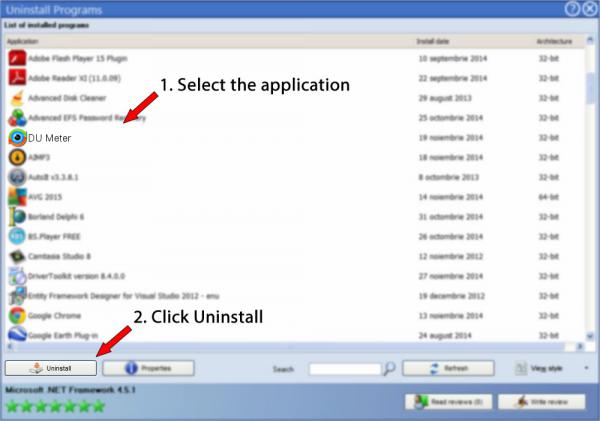
5. A list of the programs existing on the computer will appear
6. Navigate the list of programs until you find DU Meter or simply activate the Search feature and type in "DU Meter". If it exists on your system the DU Meter application will be found very quickly. After you select DU Meter in the list of programs, some information about the application is made available to you:
- Star rating (in the lower left corner). The star rating tells you the opinion other users have about DU Meter, ranging from "Highly recommended" to "Very dangerous".
- Reviews by other users - Press the Read reviews button.
- Technical information about the app you wish to remove, by pressing the Properties button.
- The software company is: https://www.hageltech.com/dumeter/about
- The uninstall string is: C:\Program Files (x86)\DU Meter\unins000.exe
8. After uninstalling DU Meter, Advanced Uninstaller PRO will ask you to run a cleanup. Click Next to proceed with the cleanup. All the items that belong DU Meter which have been left behind will be detected and you will be able to delete them. By uninstalling DU Meter with Advanced Uninstaller PRO, you are assured that no registry entries, files or directories are left behind on your computer.
Your PC will remain clean, speedy and ready to run without errors or problems.
Disclaimer
This page is not a piece of advice to uninstall DU Meter by Hagel Technologies Ltd. from your computer, we are not saying that DU Meter by Hagel Technologies Ltd. is not a good software application. This page simply contains detailed instructions on how to uninstall DU Meter supposing you want to. Here you can find registry and disk entries that our application Advanced Uninstaller PRO discovered and classified as "leftovers" on other users' PCs.
2024-11-19 / Written by Dan Armano for Advanced Uninstaller PRO
follow @danarmLast update on: 2024-11-19 12:33:27.980