 RAR Password Unlocker 4.2.0.0
How to uninstall RAR Password Unlocker 4.2.0.0 from your system
You can find on this page details on how to remove RAR Password Unlocker 4.2.0.0 for Windows. It was created for Windows by Password Unlocker Studio. More data about Password Unlocker Studio can be seen here. Please follow http://www.passwordunlocker.com/ if you want to read more on RAR Password Unlocker 4.2.0.0 on Password Unlocker Studio's website. The program is frequently found in the C:\Program Files (x86)\RAR Password Unlocker folder. Keep in mind that this path can vary depending on the user's choice. RAR Password Unlocker 4.2.0.0's complete uninstall command line is C:\Program Files (x86)\RAR Password Unlocker\unins000.exe. RAR Password Unlocker.exe is the RAR Password Unlocker 4.2.0.0's main executable file and it occupies about 744.50 KB (762368 bytes) on disk.The following executables are installed together with RAR Password Unlocker 4.2.0.0. They occupy about 1.41 MB (1477406 bytes) on disk.
- RAR Password Unlocker.exe (744.50 KB)
- unins000.exe (698.28 KB)
The information on this page is only about version 4.2.0.0 of RAR Password Unlocker 4.2.0.0. If planning to uninstall RAR Password Unlocker 4.2.0.0 you should check if the following data is left behind on your PC.
Frequently the following registry data will not be cleaned:
- HKEY_LOCAL_MACHINE\Software\Microsoft\Windows\CurrentVersion\Uninstall\{B789FA51-6A71-408F-92DE-EDE4A517B8F9}_is1
Open regedit.exe to remove the registry values below from the Windows Registry:
- HKEY_CLASSES_ROOT\Local Settings\Software\Microsoft\Windows\Shell\MuiCache\C:\Program Files (x86)\RAR Password Unlocker\RAR Password Unlocker.exe.ApplicationCompany
- HKEY_CLASSES_ROOT\Local Settings\Software\Microsoft\Windows\Shell\MuiCache\C:\Program Files (x86)\RAR Password Unlocker\RAR Password Unlocker.exe.FriendlyAppName
- HKEY_CLASSES_ROOT\Local Settings\Software\Microsoft\Windows\Shell\MuiCache\C:\Program Files (x86)\RAR Password Unlocker\unins000.exe.FriendlyAppName
How to erase RAR Password Unlocker 4.2.0.0 from your computer using Advanced Uninstaller PRO
RAR Password Unlocker 4.2.0.0 is an application offered by Password Unlocker Studio. Frequently, users decide to erase this program. Sometimes this is hard because performing this manually takes some skill regarding Windows program uninstallation. One of the best QUICK way to erase RAR Password Unlocker 4.2.0.0 is to use Advanced Uninstaller PRO. Here is how to do this:1. If you don't have Advanced Uninstaller PRO already installed on your Windows system, add it. This is a good step because Advanced Uninstaller PRO is a very efficient uninstaller and general tool to take care of your Windows PC.
DOWNLOAD NOW
- go to Download Link
- download the program by pressing the DOWNLOAD NOW button
- install Advanced Uninstaller PRO
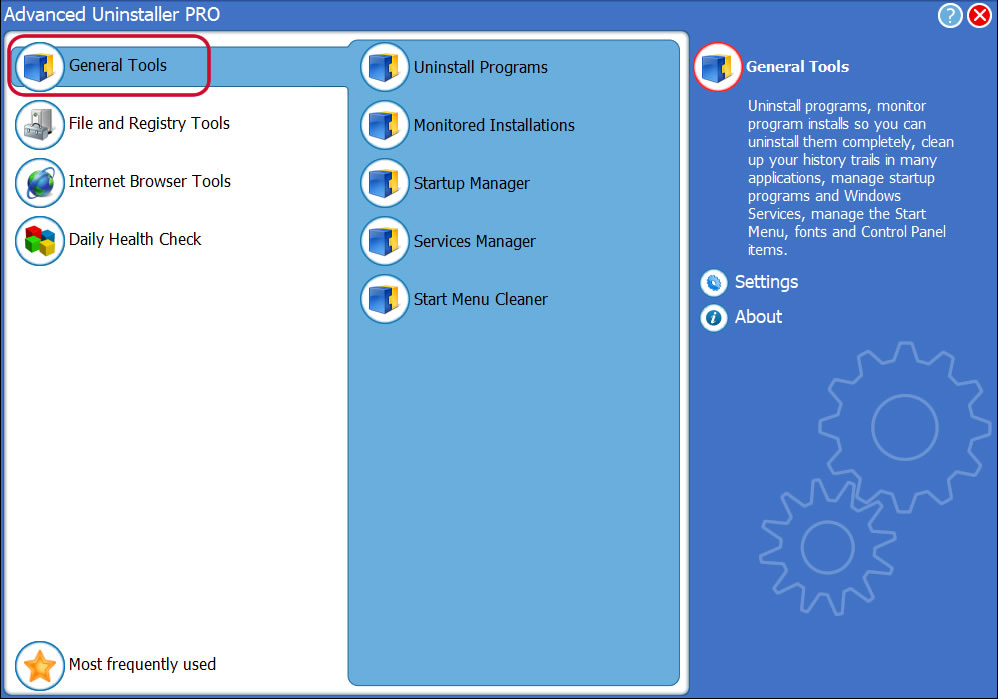
3. Press the General Tools button
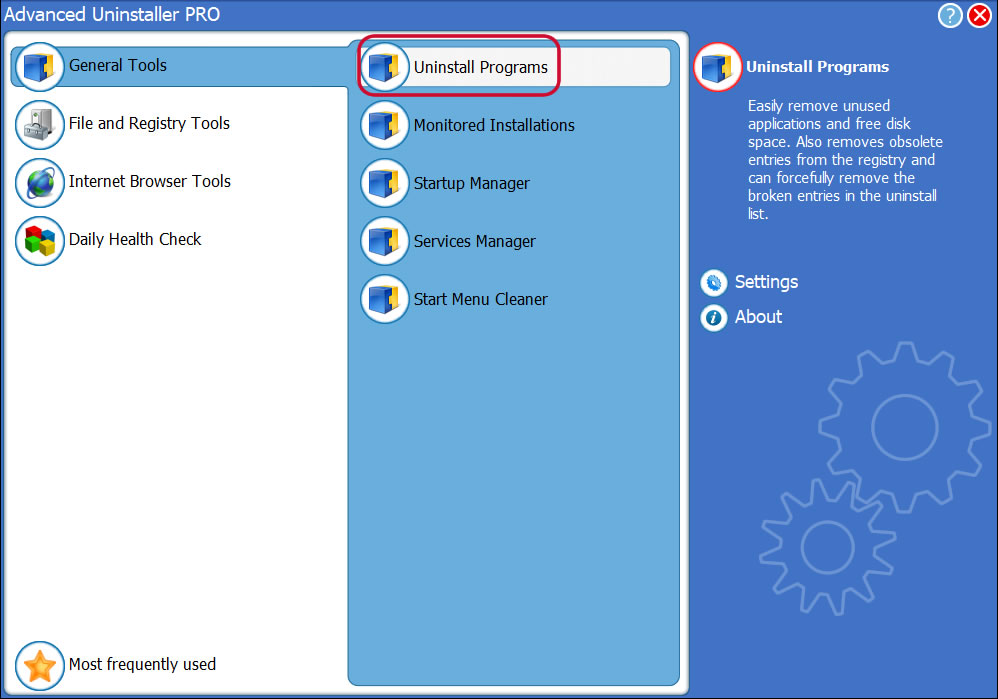
4. Press the Uninstall Programs button
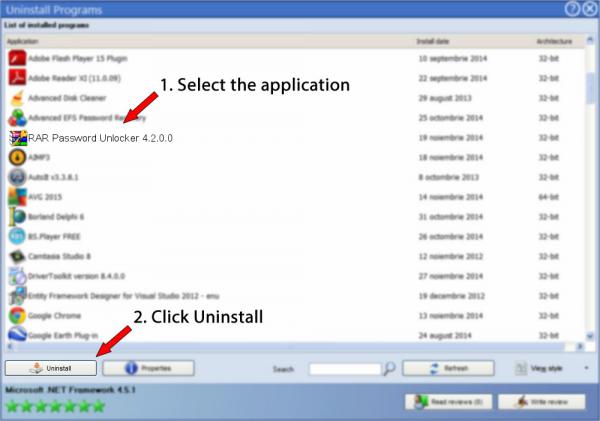
5. A list of the applications installed on your computer will appear
6. Navigate the list of applications until you locate RAR Password Unlocker 4.2.0.0 or simply click the Search feature and type in "RAR Password Unlocker 4.2.0.0". If it is installed on your PC the RAR Password Unlocker 4.2.0.0 application will be found automatically. When you click RAR Password Unlocker 4.2.0.0 in the list of apps, some information regarding the program is available to you:
- Star rating (in the lower left corner). The star rating explains the opinion other people have regarding RAR Password Unlocker 4.2.0.0, from "Highly recommended" to "Very dangerous".
- Opinions by other people - Press the Read reviews button.
- Details regarding the application you want to uninstall, by pressing the Properties button.
- The web site of the program is: http://www.passwordunlocker.com/
- The uninstall string is: C:\Program Files (x86)\RAR Password Unlocker\unins000.exe
8. After uninstalling RAR Password Unlocker 4.2.0.0, Advanced Uninstaller PRO will ask you to run an additional cleanup. Press Next to start the cleanup. All the items of RAR Password Unlocker 4.2.0.0 that have been left behind will be detected and you will be asked if you want to delete them. By removing RAR Password Unlocker 4.2.0.0 with Advanced Uninstaller PRO, you are assured that no Windows registry items, files or directories are left behind on your PC.
Your Windows computer will remain clean, speedy and ready to run without errors or problems.
Geographical user distribution


Disclaimer
This page is not a recommendation to remove RAR Password Unlocker 4.2.0.0 by Password Unlocker Studio from your computer, nor are we saying that RAR Password Unlocker 4.2.0.0 by Password Unlocker Studio is not a good software application. This page simply contains detailed info on how to remove RAR Password Unlocker 4.2.0.0 in case you want to. Here you can find registry and disk entries that other software left behind and Advanced Uninstaller PRO discovered and classified as "leftovers" on other users' PCs.
2016-06-19 / Written by Dan Armano for Advanced Uninstaller PRO
follow @danarmLast update on: 2016-06-18 22:02:38.303