 HP User Guides 0140
How to uninstall HP User Guides 0140 from your PC
HP User Guides 0140 is a Windows program. Read more about how to uninstall it from your PC. The Windows version was developed by Hewlett-Packard. Take a look here for more information on Hewlett-Packard. The program is usually found in the C:\Program Files\Hewlett-Packard\Documentation folder. Take into account that this path can differ being determined by the user's preference. The entire uninstall command line for HP User Guides 0140 is MsiExec.exe /X{7A93E19E-220A-4323-9348-BEE8D36FDD44}. HP User Guides 0140's main file takes around 232.00 KB (237568 bytes) and is called HpDocViewer.exe.HP User Guides 0140 contains of the executables below. They occupy 232.00 KB (237568 bytes) on disk.
- HpDocViewer.exe (232.00 KB)
This data is about HP User Guides 0140 version 1.00.0000 only. You can find below info on other versions of HP User Guides 0140:
A way to delete HP User Guides 0140 from your computer with Advanced Uninstaller PRO
HP User Guides 0140 is an application released by Hewlett-Packard. Some computer users try to uninstall it. This is easier said than done because doing this by hand requires some knowledge related to Windows program uninstallation. The best SIMPLE action to uninstall HP User Guides 0140 is to use Advanced Uninstaller PRO. Here are some detailed instructions about how to do this:1. If you don't have Advanced Uninstaller PRO already installed on your system, install it. This is good because Advanced Uninstaller PRO is a very potent uninstaller and general utility to clean your computer.
DOWNLOAD NOW
- go to Download Link
- download the setup by pressing the green DOWNLOAD NOW button
- set up Advanced Uninstaller PRO
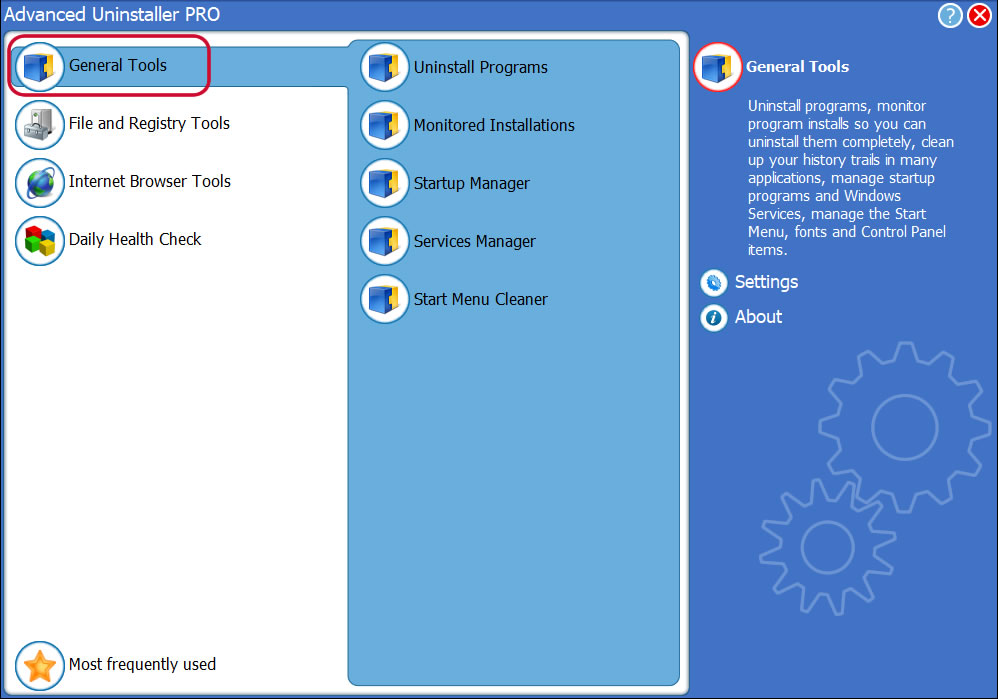
3. Press the General Tools button
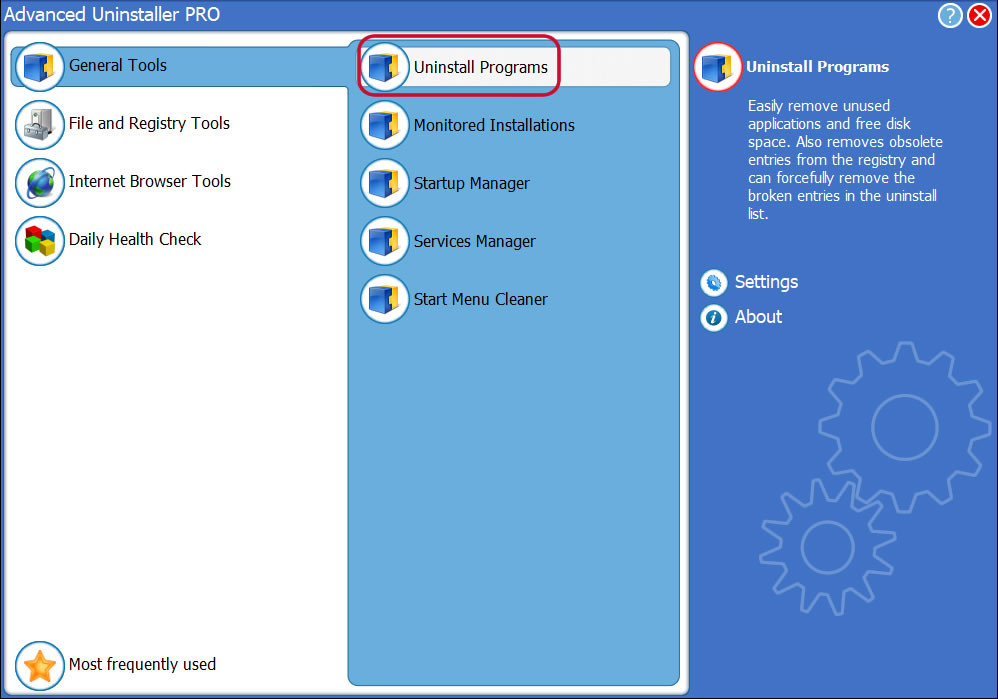
4. Activate the Uninstall Programs button
5. A list of the applications existing on your computer will appear
6. Navigate the list of applications until you find HP User Guides 0140 or simply activate the Search feature and type in "HP User Guides 0140". The HP User Guides 0140 application will be found automatically. Notice that after you select HP User Guides 0140 in the list of applications, the following information about the application is made available to you:
- Safety rating (in the lower left corner). The star rating tells you the opinion other people have about HP User Guides 0140, from "Highly recommended" to "Very dangerous".
- Reviews by other people - Press the Read reviews button.
- Technical information about the app you wish to remove, by pressing the Properties button.

8. After uninstalling HP User Guides 0140, Advanced Uninstaller PRO will offer to run a cleanup. Press Next to start the cleanup. All the items that belong HP User Guides 0140 which have been left behind will be found and you will be able to delete them. By uninstalling HP User Guides 0140 with Advanced Uninstaller PRO, you are assured that no registry entries, files or folders are left behind on your computer.
Your PC will remain clean, speedy and able to run without errors or problems.
Geographical user distribution


Disclaimer
The text above is not a piece of advice to remove HP User Guides 0140 by Hewlett-Packard from your PC, we are not saying that HP User Guides 0140 by Hewlett-Packard is not a good application. This text simply contains detailed info on how to remove HP User Guides 0140 in case you want to. Here you can find registry and disk entries that Advanced Uninstaller PRO stumbled upon and classified as "leftovers" on other users' PCs.
2016-08-30 / Written by Daniel Statescu for Advanced Uninstaller PRO
follow @DanielStatescuLast update on: 2016-08-30 07:46:13.310