 Dell B2375dnf Mono MFP Network PC Fax
A guide to uninstall Dell B2375dnf Mono MFP Network PC Fax from your computer
This web page is about Dell B2375dnf Mono MFP Network PC Fax for Windows. Below you can find details on how to remove it from your computer. The Windows release was developed by Dell Inc.. More information on Dell Inc. can be seen here. The application is usually placed in the C:\Program Files (x86)\Dell\Dell B2375dnf Mono MFP\Network PC Fax folder. Take into account that this location can vary depending on the user's choice. Dell B2375dnf Mono MFP Network PC Fax's full uninstall command line is C:\Program Files (x86)\Dell\Dell B2375dnf Mono MFP\Network PC Fax\uninstall.exe. B2375fMon.exe is the Dell B2375dnf Mono MFP Network PC Fax's primary executable file and it takes approximately 85.98 KB (88048 bytes) on disk.Dell B2375dnf Mono MFP Network PC Fax contains of the executables below. They take 1.71 MB (1788373 bytes) on disk.
- prinst.exe (470.48 KB)
- uninstall.exe (179.54 KB)
- B2375fMon.exe (85.98 KB)
- B2375fMon64.exe (101.49 KB)
- B2375fServer.exe (184.99 KB)
- B2375fServer64.exe (241.99 KB)
- B2375fTray.exe (209.48 KB)
- B2375fTray64.exe (272.49 KB)
The information on this page is only about version 1.07.123222013 of Dell B2375dnf Mono MFP Network PC Fax. You can find below a few links to other Dell B2375dnf Mono MFP Network PC Fax versions:
A way to erase Dell B2375dnf Mono MFP Network PC Fax from your computer using Advanced Uninstaller PRO
Dell B2375dnf Mono MFP Network PC Fax is a program released by the software company Dell Inc.. Some users want to erase this program. Sometimes this is easier said than done because uninstalling this manually requires some experience regarding removing Windows programs manually. The best QUICK procedure to erase Dell B2375dnf Mono MFP Network PC Fax is to use Advanced Uninstaller PRO. Here are some detailed instructions about how to do this:1. If you don't have Advanced Uninstaller PRO already installed on your PC, install it. This is a good step because Advanced Uninstaller PRO is the best uninstaller and all around utility to take care of your system.
DOWNLOAD NOW
- navigate to Download Link
- download the program by clicking on the DOWNLOAD button
- install Advanced Uninstaller PRO
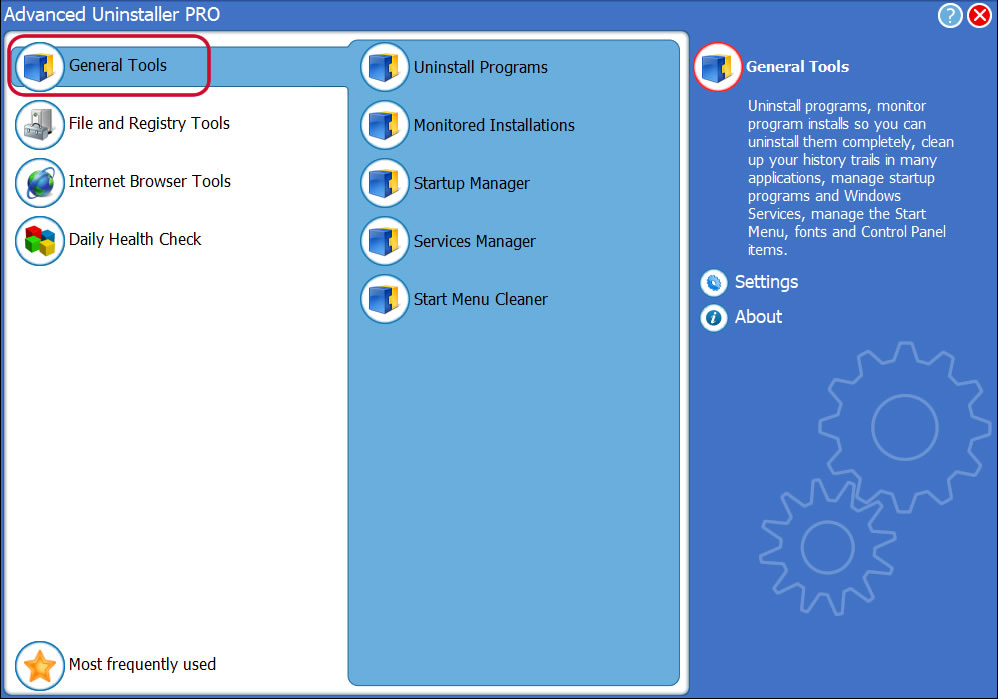
3. Click on the General Tools category
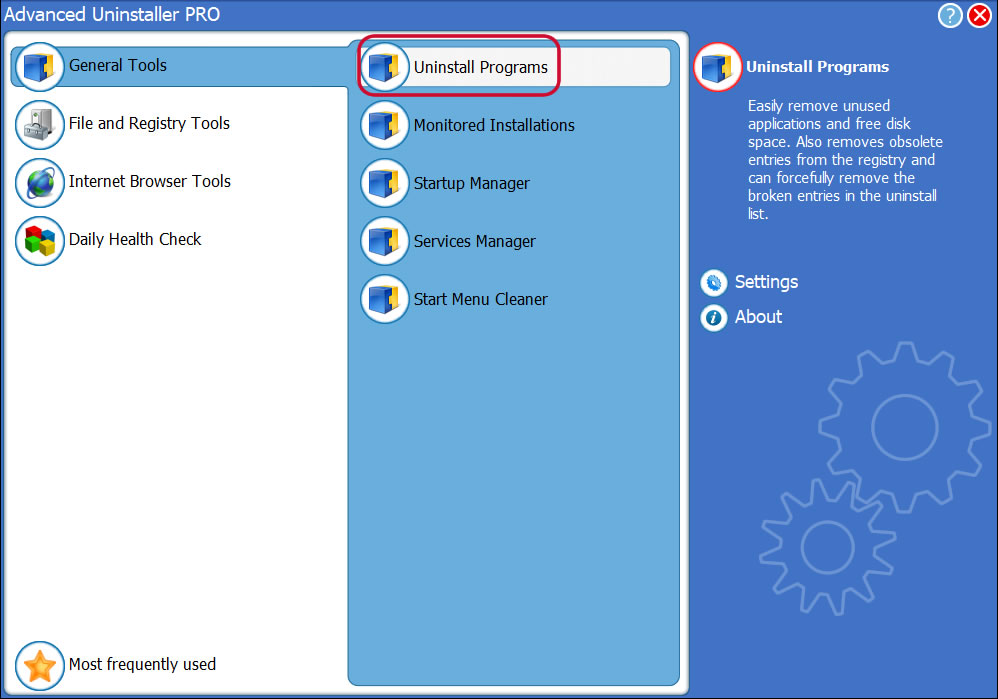
4. Press the Uninstall Programs tool
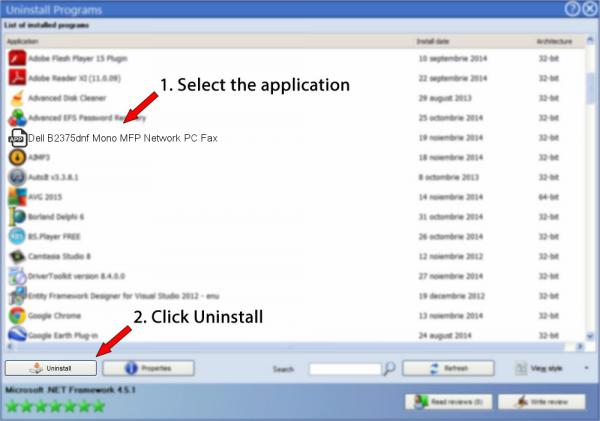
5. All the applications existing on your PC will be shown to you
6. Navigate the list of applications until you locate Dell B2375dnf Mono MFP Network PC Fax or simply activate the Search feature and type in "Dell B2375dnf Mono MFP Network PC Fax". The Dell B2375dnf Mono MFP Network PC Fax app will be found automatically. When you select Dell B2375dnf Mono MFP Network PC Fax in the list of applications, some information about the application is available to you:
- Safety rating (in the left lower corner). This explains the opinion other users have about Dell B2375dnf Mono MFP Network PC Fax, ranging from "Highly recommended" to "Very dangerous".
- Opinions by other users - Click on the Read reviews button.
- Technical information about the program you wish to uninstall, by clicking on the Properties button.
8. After uninstalling Dell B2375dnf Mono MFP Network PC Fax, Advanced Uninstaller PRO will ask you to run an additional cleanup. Click Next to proceed with the cleanup. All the items of Dell B2375dnf Mono MFP Network PC Fax which have been left behind will be found and you will be asked if you want to delete them. By removing Dell B2375dnf Mono MFP Network PC Fax with Advanced Uninstaller PRO, you can be sure that no Windows registry items, files or folders are left behind on your computer.
Your Windows PC will remain clean, speedy and ready to take on new tasks.
Geographical user distribution

Disclaimer
The text above is not a piece of advice to uninstall Dell B2375dnf Mono MFP Network PC Fax by Dell Inc. from your computer, we are not saying that Dell B2375dnf Mono MFP Network PC Fax by Dell Inc. is not a good application for your PC. This page simply contains detailed instructions on how to uninstall Dell B2375dnf Mono MFP Network PC Fax in case you decide this is what you want to do. Here you can find registry and disk entries that our application Advanced Uninstaller PRO discovered and classified as "leftovers" on other users' computers.
2020-03-30 / Written by Daniel Statescu for Advanced Uninstaller PRO
follow @DanielStatescuLast update on: 2020-03-29 21:42:57.660