 Bejeweled Twist 1.0.3.7482
How to uninstall Bejeweled Twist 1.0.3.7482 from your system
This page contains detailed information on how to uninstall Bejeweled Twist 1.0.3.7482 for Windows. The Windows release was developed by PopCap Games. Further information on PopCap Games can be seen here. Bejeweled Twist 1.0.3.7482 is commonly installed in the C:\Program Files (x86)\PopCap Games\Bejeweled Twist folder, but this location may differ a lot depending on the user's decision while installing the program. C:\Program is the full command line if you want to uninstall Bejeweled Twist 1.0.3.7482. The program's main executable file is titled BejeweledTwist.exe and it has a size of 5.13 MB (5383912 bytes).Bejeweled Twist 1.0.3.7482 contains of the executables below. They take 5.39 MB (5647408 bytes) on disk.
- BejeweledTwist.exe (5.13 MB)
- PopUninstall.exe (257.32 KB)
The information on this page is only about version 1.0.3.7482 of Bejeweled Twist 1.0.3.7482. A considerable amount of files, folders and registry entries can not be removed when you remove Bejeweled Twist 1.0.3.7482 from your computer.
Check for and delete the following files from your disk when you uninstall Bejeweled Twist 1.0.3.7482:
- C:\Users\%user%\AppData\Local\Packages\Microsoft.Windows.Search_cw5n1h2txyewy\LocalState\AppIconCache\100\D__Program Files (x86)_PopCap Games_Bejeweled Twist_BejeweledTwist_exe
- C:\Users\%user%\AppData\Local\Packages\Microsoft.Windows.Search_cw5n1h2txyewy\LocalState\AppIconCache\100\D__Program Files (x86)_PopCap Games_Bejeweled Twist_readme_html
Frequently the following registry keys will not be uninstalled:
- HKEY_LOCAL_MACHINE\Software\Microsoft\Windows\CurrentVersion\Uninstall\Bejeweled Twist 1.0.3.7482
How to uninstall Bejeweled Twist 1.0.3.7482 with Advanced Uninstaller PRO
Bejeweled Twist 1.0.3.7482 is a program marketed by PopCap Games. Some computer users choose to uninstall this program. This is troublesome because removing this by hand takes some advanced knowledge regarding Windows internal functioning. One of the best QUICK manner to uninstall Bejeweled Twist 1.0.3.7482 is to use Advanced Uninstaller PRO. Here is how to do this:1. If you don't have Advanced Uninstaller PRO already installed on your PC, add it. This is good because Advanced Uninstaller PRO is the best uninstaller and all around utility to maximize the performance of your system.
DOWNLOAD NOW
- visit Download Link
- download the setup by pressing the DOWNLOAD NOW button
- install Advanced Uninstaller PRO
3. Press the General Tools button
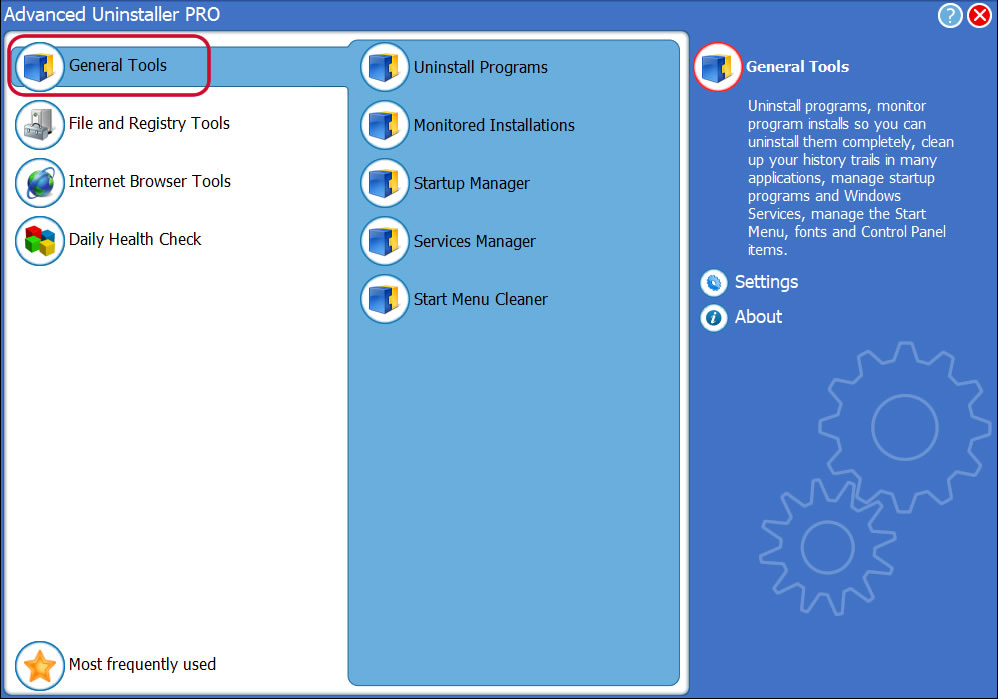
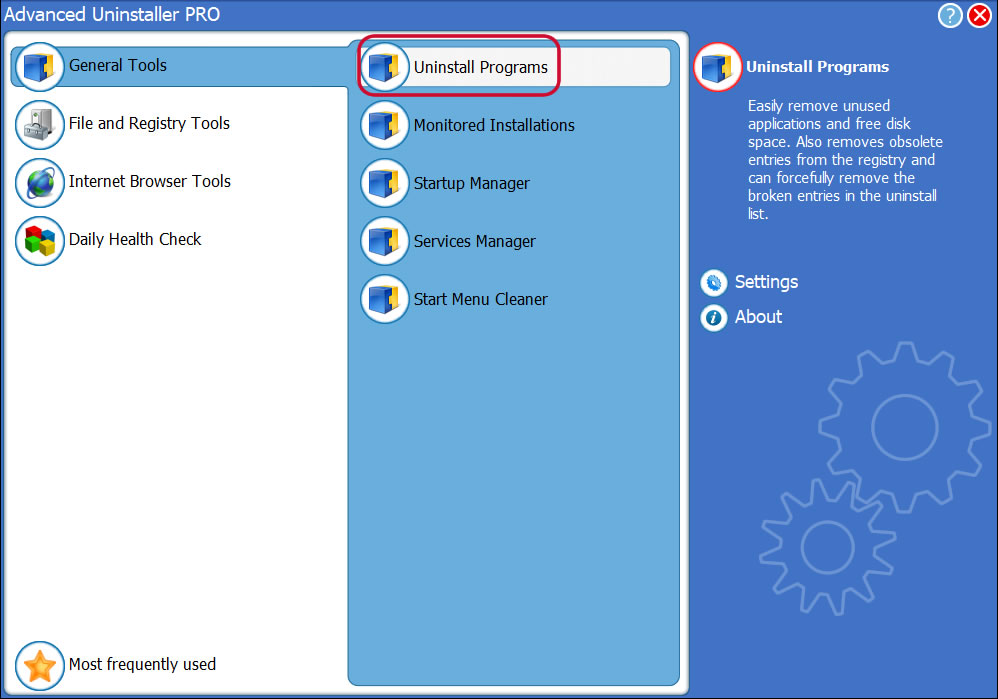
4. Activate the Uninstall Programs feature
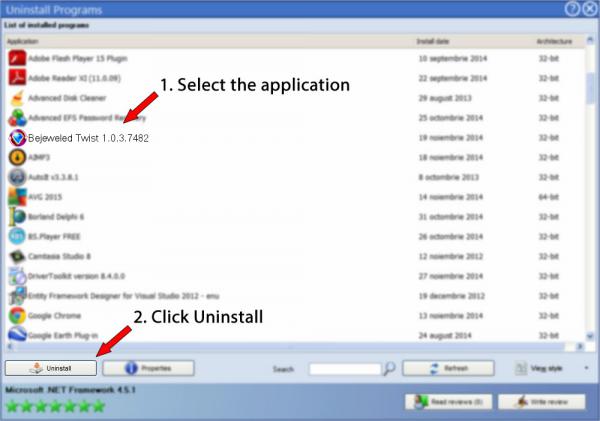
5. A list of the programs installed on your computer will be made available to you
6. Scroll the list of programs until you find Bejeweled Twist 1.0.3.7482 or simply click the Search field and type in "Bejeweled Twist 1.0.3.7482". If it exists on your system the Bejeweled Twist 1.0.3.7482 program will be found very quickly. When you click Bejeweled Twist 1.0.3.7482 in the list of programs, the following data about the application is shown to you:
- Safety rating (in the left lower corner). This explains the opinion other users have about Bejeweled Twist 1.0.3.7482, from "Highly recommended" to "Very dangerous".
- Opinions by other users - Press the Read reviews button.
- Details about the app you wish to uninstall, by pressing the Properties button.
8. After uninstalling Bejeweled Twist 1.0.3.7482, Advanced Uninstaller PRO will offer to run an additional cleanup. Press Next to proceed with the cleanup. All the items of Bejeweled Twist 1.0.3.7482 that have been left behind will be detected and you will be asked if you want to delete them. By uninstalling Bejeweled Twist 1.0.3.7482 with Advanced Uninstaller PRO, you can be sure that no Windows registry entries, files or directories are left behind on your PC.
Your Windows computer will remain clean, speedy and able to take on new tasks.
Geographical user distribution


Disclaimer
This page is not a recommendation to remove Bejeweled Twist 1.0.3.7482 by PopCap Games from your PC, we are not saying that Bejeweled Twist 1.0.3.7482 by PopCap Games is not a good software application. This page only contains detailed instructions on how to remove Bejeweled Twist 1.0.3.7482 in case you decide this is what you want to do. Here you can find registry and disk entries that Advanced Uninstaller PRO discovered and classified as "leftovers" on other users' PCs.
2016-06-24 / Written by Daniel Statescu for Advanced Uninstaller PRO
follow @DanielStatescuLast update on: 2016-06-23 21:17:50.010